Access & Setup Guide (Steam PC)
Step-by-Step Steam Account Activation:
01
Log Out: Open the official Steam desktop client on your PC and log out of your personal Steam profile.
02
Sign In: Enter the shared Steam username and password delivered to you immediately after purchase.
03
Verify Steam Guard: Contact the seller via order chat to receive your one-time Steam Guard security code immediately.
04
Download Game: Navigate to your Library tab, find Dragon Quest XI S: Echoes of an Elusive Age, and start the installation.
05
First Launch: Run the game once online to initialize engine binaries and configure display presets.
06
Enable Offline Mode: Switch Steam to Offline Mode (Steam menu > Go Offline) to experience Erdrea privately with zero interruptions.
What You Get by Buying Dragon Quest XI S at a Cheap Price
The Definitive Edition Experience
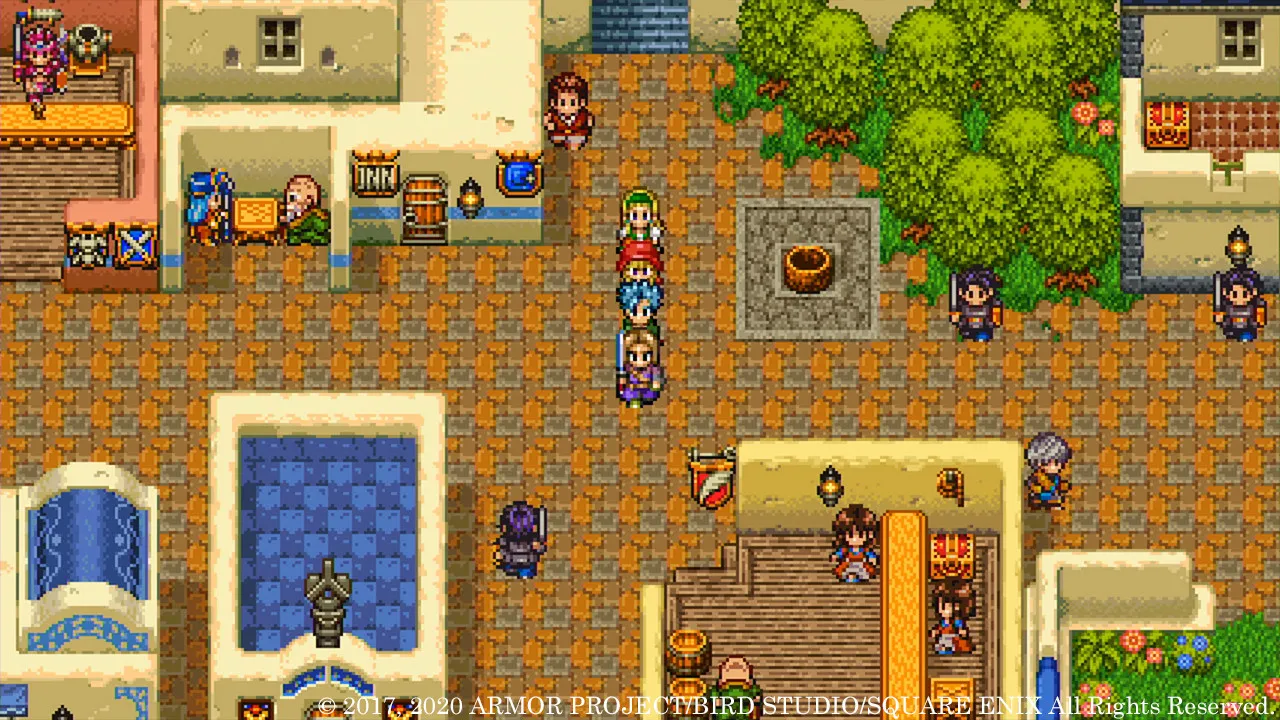
Enjoy a massive 100+ hour masterpiece complete with all Definitive Edition upgrades: switch between 3D HD and retro 2D 16-bit graphics, toggle the fully orchestrated soundtrack, and explore standalone character side stories, all without paying full retail store prices.
An Epic Tale of Destiny and Fellowship
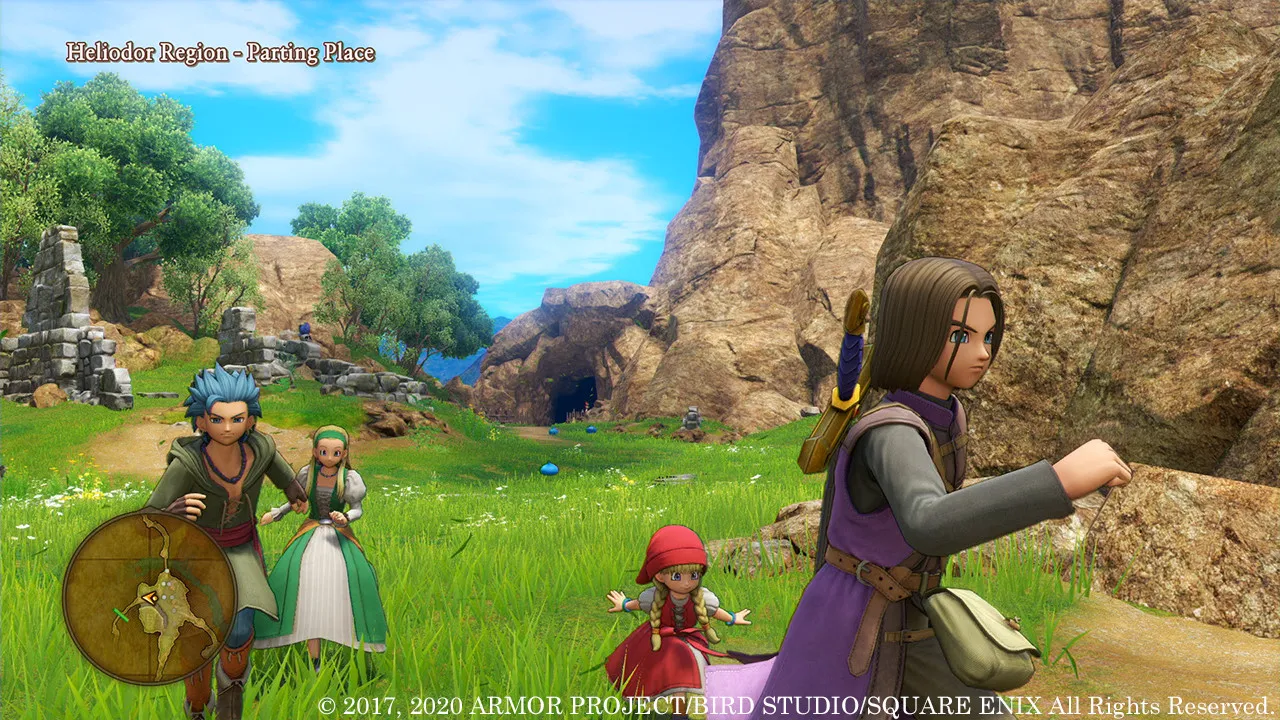
Step into the shoes of the Luminary, hunted as a reputed creature of doom, and band together with a charismatic group of loyal companions to save the world of Erdrea from an impending darkness.
Classic Turn-Based Combat Enhanced
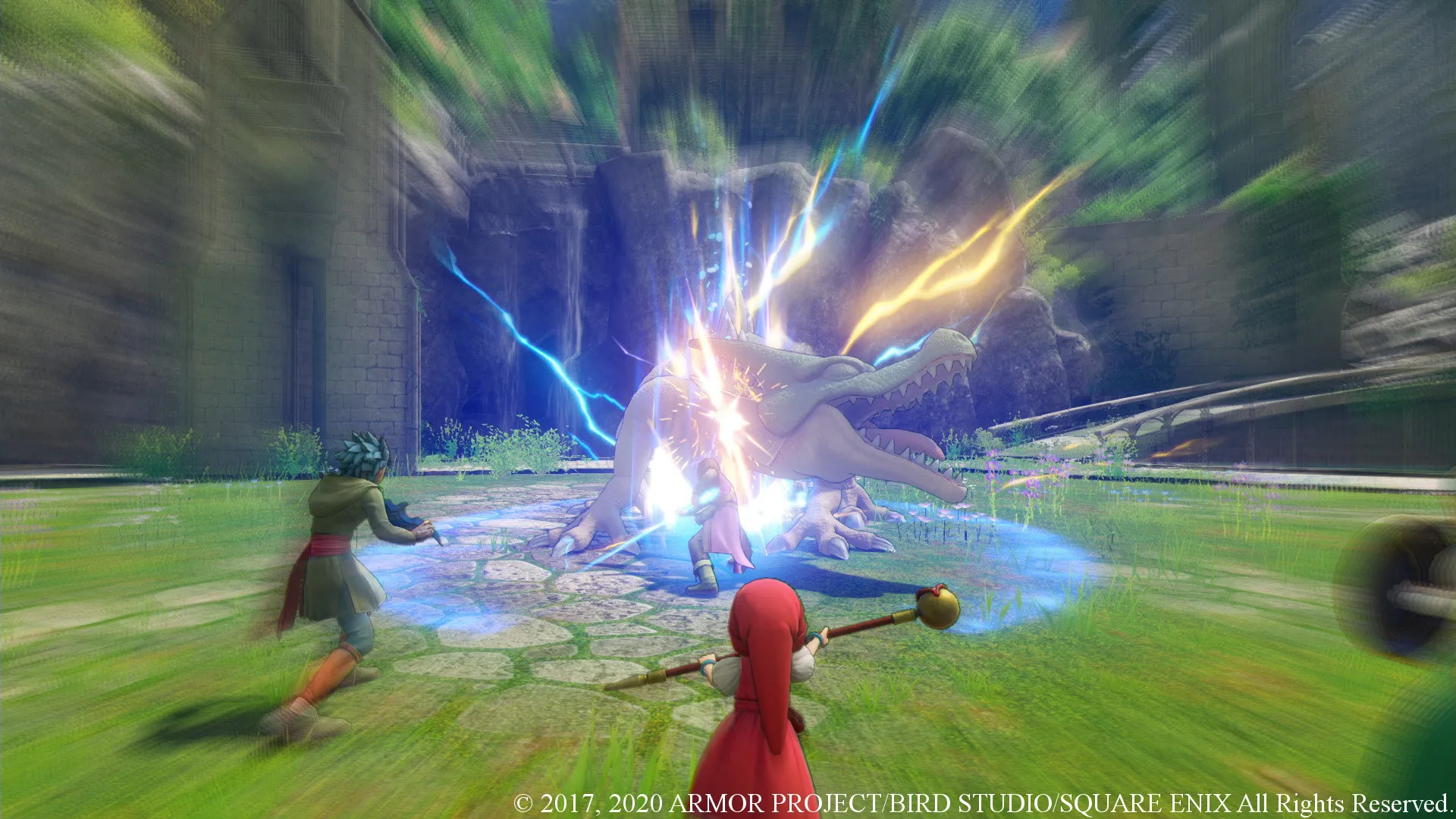
Engage in strategic turn-based battles featuring iconic monster designs by Akira Toriyama, tactical character progression trees, and fast-forward speed options for streamlined exploration.
An Immersive Erdrea Lore and Legendary JRPG Odyssey
Immerse yourself in a universally acclaimed, timeless role-playing masterwork crafted by Square Enix and Yuji Horii. Step into the role of the Luminary, marked as the reincarnation of a legendary hero, and journey across the vibrant, expansive fantasy world of Erdrea to rally a diverse fellowship of outcasts, uncover your true heritage, and defy an ancient malevolent doom.
Playtime and Campaign Duration
Prepare for an extraordinarily grand, content-rich JRPG adventure where completing the primary main story takes roughly 60 to 80 hours. When you factor in exploring every sprawling region, completing all companion side tales, experiencing the expansive post-game Act 3 chapters, and maxing out character skill trees, your total playtime easily expands to 100 or over 140 hours.
Included Definitive Edition Upgrades & Advanced Turn-Based Systems
Definitive Edition Content, Epic Fellowship & Enhanced Turn-Based Combat (Fully Integrated)
Dragon Quest XI S pairs its legendary 100+ hour role-playing campaign alongside definitive additions like 2D retro mode switching, orchestral audio tracks, individual character scenarios, and quality-of-life speed controls.
Definitive Edition & Feature Highlights:
- The Definitive Edition Experience: Seamlessly toggle between modern 3D HD visuals and nostalgic 16-bit 2D graphics, enjoy full voice acting, and play standalone character stories.
- An Epic Tale of Destiny: Follow the Luminary and a colorful cast of lovable companions—from noble thieves to proud mages—on an emotionally resonant journey across Erdrea.
- Classic Turn-Based Combat Enhanced: Master strategic battles featuring Akira Toriyama's iconic monster creations, Pep powers, custom skill grids, and battle speed multipliers.
- Expansive Post-Game Content: Unravel massive narrative twists and conquer ultra-challenging dungeons during the extensive Act 3 endgame continuation.
Languages & Audio Support
Full Voiceover (Audio): English, Japanese
Subtitles & Interface: English, French, German, Spanish (Spain), Japanese, Italian
System Requirements
| Requirement |
Minimum Specs (720p 30 FPS Low) |
Recommended Specs (1080p 60 FPS High) |
| OS |
Windows 10 64-bit |
Windows 10 64-bit |
| Processor |
Intel Core i3-2100 / AMD FX-4300 |
Intel Core i5-4690 / AMD Ryzen 3 1300X |
| Memory |
8 GB RAM |
8 GB RAM |
| Graphics |
NVIDIA GeForce GTX 750 / AMD Radeon R7 260X (2GB) |
NVIDIA GeForce GTX 970 / AMD Radeon RX 480 (4GB) |
| DirectX |
Version 11 |
Version 11 |
| Storage |
32 GB available space |
32 GB available space (SSD recommended) |
Frequently Asked Questions (FAQ)
Where can I buy Dragon Quest XI S cheap on PC?
You can purchase shared Steam account access directly from our digital store at a heavy discount. You get official game files, fast delivery, and full single-player JRPG access without paying full retail price.
How to play Dragon Quest XI S in Steam Offline Mode?
Complete the download, launch the game once online to let Steam authenticate local binaries, exit the title, click "Steam" in the top-left menu, choose "Go Offline", and relaunch. You can now play entirely disconnected.
Will my save files be overwritten by other buyers?
No. Game saves are stored locally on your PC in your personal Steam user directory. As long as you stay in Offline Mode, your campaign progression remains completely isolated and secure.
Is this Dragon Quest XI S Steam account Region Free?
Yes. This account access is 100% Region Free and functions worldwide without VPN services, geographic locks, or country-specific limitations.