Access & Setup Guide (Steam PC)
Step-by-Step Steam Account Activation:
01
Log Out: Open the official Steam desktop client on your PC and log out of your personal Steam profile.
02
Sign In: Enter the shared Steam username and password delivered to you immediately after purchase.
03
Verify Steam Guard: Contact the seller via order chat to receive your one-time Steam Guard security code immediately.
04
Download Game: Navigate to your Library tab, find Darksiders Genesis, and start the installation.
05
First Launch: Run the game once online to initialize engine binaries and configure display presets.
06
Enable Offline Mode: Switch Steam to Offline Mode (Steam menu > Go Offline) to explore the origin story privately with zero interruptions.
What You Get by Buying Darksiders Genesis at a Cheap Price
Play as Strife for the First Time
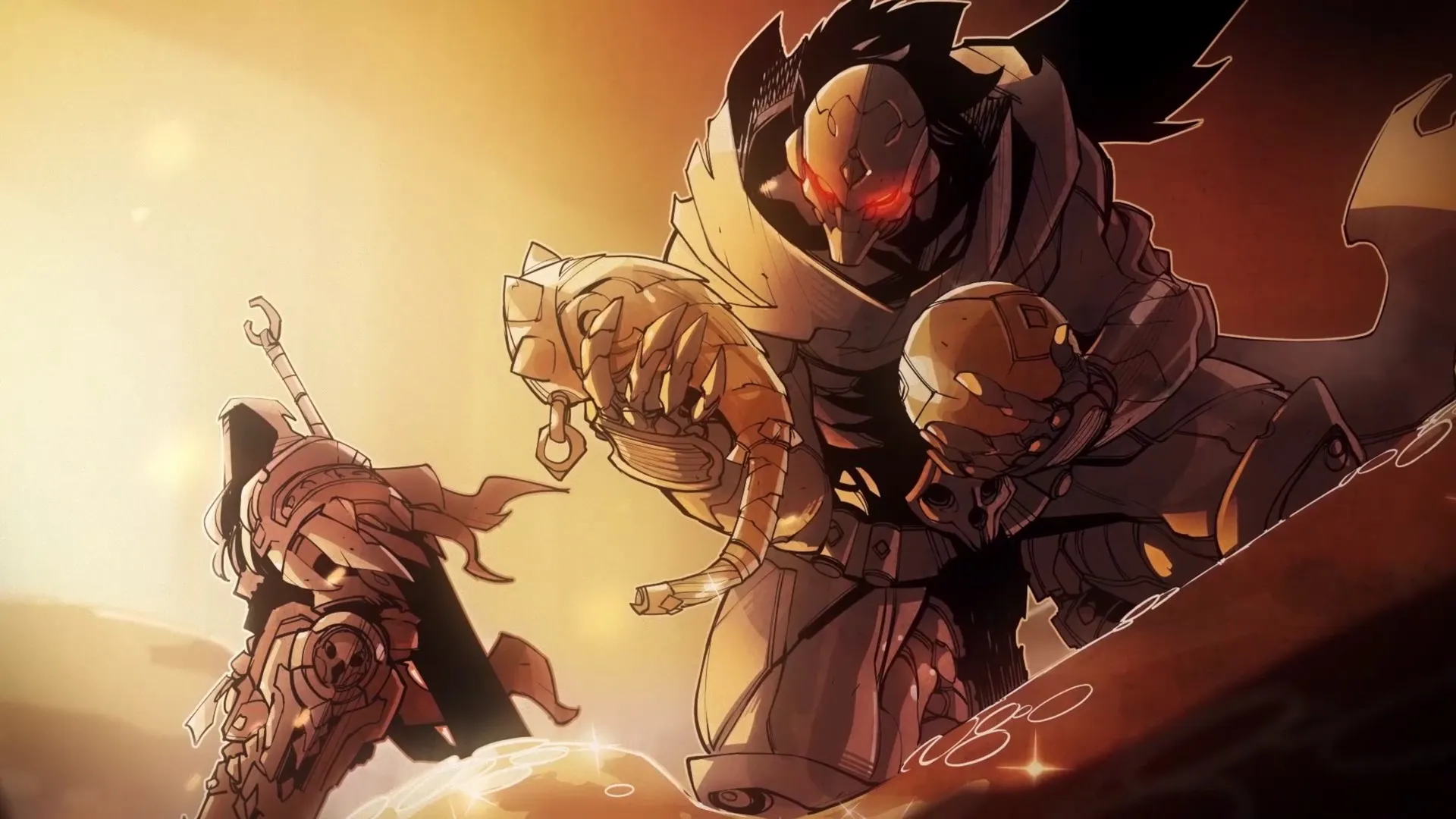
Take control of the gunslinging fourth Horseman, Strife, switching seamlessly on the fly with his sword-wielding brother War in a brand-new top-down action adventure, all without paying full retail store prices.
Explosive Top-Down Combat
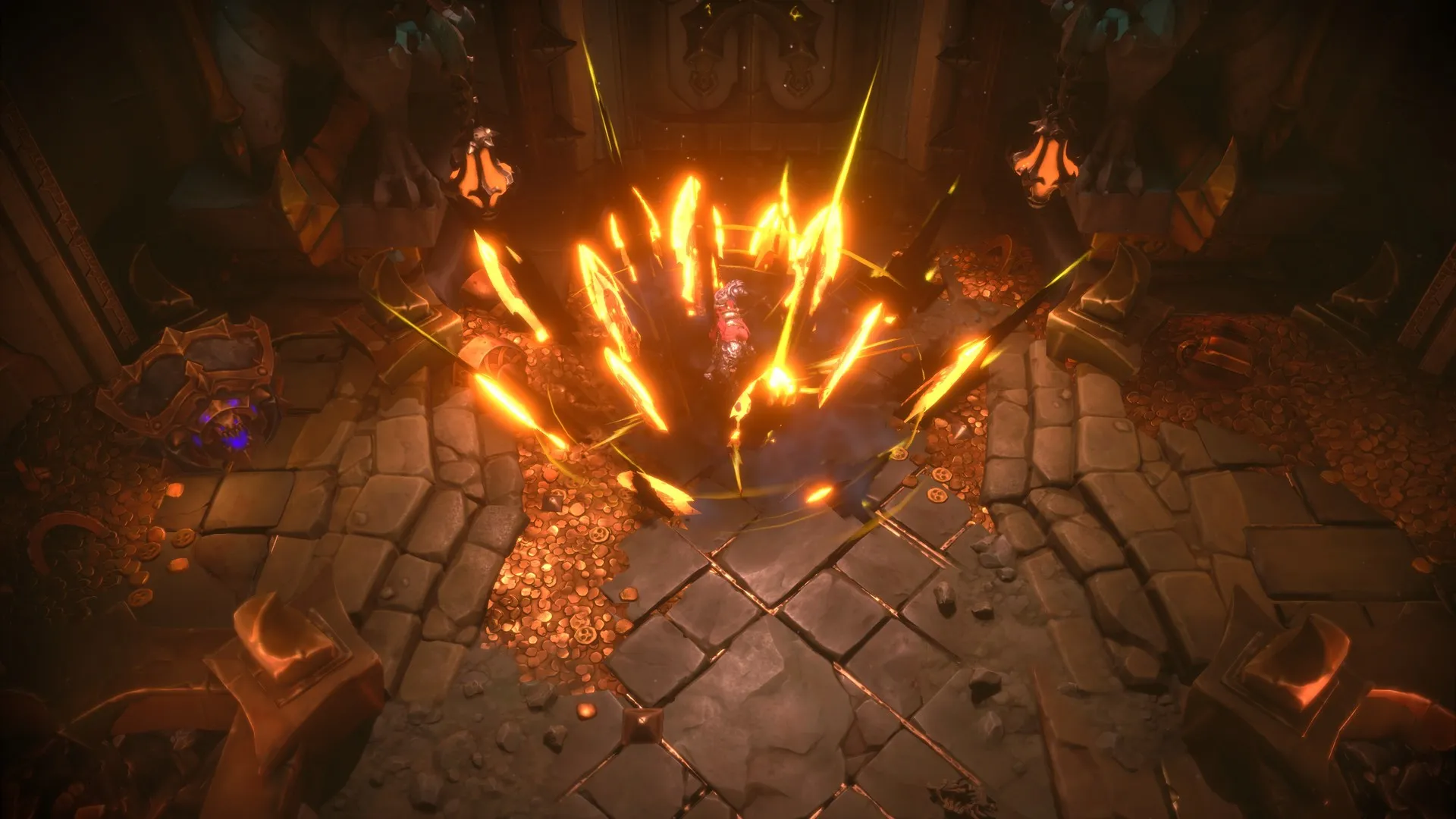
Obliterate hordes of demons, angels, and bosses through frantic hack-and-slash melee and dual-pistol gunplay across intricately detailed isometric levels.
Uncover the Prequel Lore
Set long before the events of the original game, explore the origins of the Seven Seals and build up your horsemen arsenal through a massive campaign stretching across the depths of hell.
An Immersive Prequel Lore and Isometric Horseman Odyssey
Immerse yourself in a thrilling top-down action-adventure prequel set before the events of the original game. Step into the roles of War and the gunslinging fourth Horseman, Strife, as they are tasked by the Charred Council to uncover a sinister plot by the demon king Lucifer to upset the balance of creation.
Playtime and Campaign Duration
Prepare for an action-packed cooperative isometric adventure where completing the main campaign takes roughly 12 to 15 hours. When you factor in exploring every hidden secret, collecting creature core upgrades, tackling arena challenges, and playing through with a friend in co-op, your total playtime easily expands to 20 or over 35 hours.
Included Co-Op Mode & Advanced Isometric Combat Mechanics
Cooperative Play, Creature Core System & Top-Down Action (Fully Integrated)
Darksiders Genesis pairs its acclaimed isometric action campaign alongside seamless two-player cooperative play, deep creature core upgrade systems, and frantic twin-stick gunplay.
Feature & Mechanic Highlights:
- Seamless Two-Player Co-Op: Team up with a friend online or in split-screen couch co-op, combining War's brutal melee swordplay with Strife's agile ranged firepower.
- Creature Core Progression System: Collect soul cores from defeated enemies and bosses to upgrade your horsemen's stats, passive perks, and devastating wrath abilities.
- Frantic Twin-Stick Gunplay & Melee: Switch characters on the fly or fight side by side, chaining together sword combos, special ammo types, and cinematic execution moves.
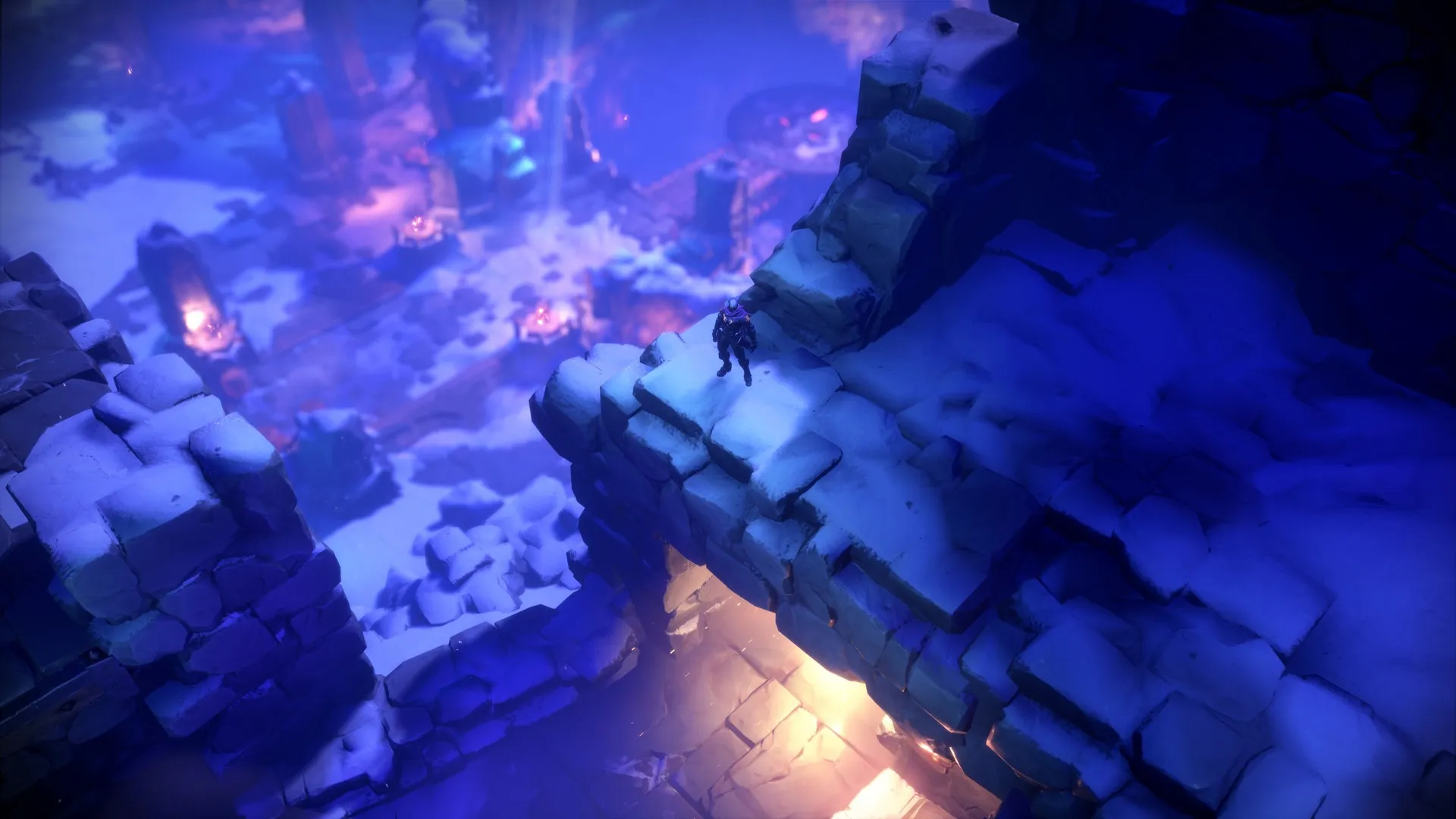
- Puzzling Isometric Exploration: Navigate intricate top-down environments filled with environmental platforming puzzles, hidden chests, and secret collectible items.
Languages & Audio Support
Full Voiceover (Audio): English
Subtitles & Interface: English, Spanish (Spain), French, German, Italian, Japanese, Polish, Russian, Simplified Chinese, Portuguese (Brazil)
System Requirements
| Requirement |
Minimum Specs (1080p 30 FPS Low) |
Recommended Specs (1080p 60 FPS High) |
| OS |
Windows 7 / 8 / 10 64-bit |
Windows 7 / 8 / 10 64-bit |
| Processor |
AMD FX-8320 (3.5 GHz) / Intel i5-4690K (3.5 GHz) or better |
Intel Core i7-3930K (3.2 GHz) / AMD Ryzen 5 1600 (3.2 GHz) or better |
| Memory |
4 GB RAM |
8 GB RAM |
| Graphics |
NVIDIA GeForce GTX 960 (2GB VRAM) |
NVIDIA GeForce GTX 1060 (6GB VRAM) |
| DirectX |
Version 11 |
Version 11 |
| Storage |
15 GB available space |
15 GB available space (SSD recommended) |
Frequently Asked Questions (FAQ)
Where can I buy Darksiders Genesis cheap on PC?
You can purchase shared Steam account access directly from our digital store at a heavy discount. You get official game files, fast delivery, and full single-player action-adventure access without paying full retail price.
How to play Darksiders Genesis in Steam Offline Mode?
Complete the download, launch the game once online to let Steam authenticate local binaries, exit the title, click "Steam" in the top-left menu, choose "Go Offline", and relaunch. You can now play entirely disconnected.
Will my save files be overwritten by other buyers?
No. Game saves are stored locally on your PC in your personal Steam user directory. As long as you stay in Offline Mode, your campaign progression remains completely isolated and secure.
Is this Darksiders Genesis Steam account Region Free?
Yes. This account access is 100% Region Free and functions worldwide without VPN services, geographic locks, or country-specific limitations.