Access & Setup Guide (Steam PC)
Step-by-Step Steam Account Activation:
01
Log Out: Open the official Steam desktop client on your PC and log out of your personal Steam profile.
02
Sign In: Enter the shared Steam username and password delivered to you immediately after purchase.
03
Verify Steam Guard: Contact the seller via order chat to receive your one-time Steam Guard security code immediately.
04
Download Game: Navigate to your Library tab, find Crusader Kings III, and start the installation.
05
First Launch: Run the game once online to initialize engine binaries and configure display presets.
06
Enable Offline Mode: Switch Steam to Offline Mode (Steam menu > Go Offline) to manage your royal lineage privately with zero interruptions.
What You Get by Buying Crusader Kings III at a Cheap Price
Shape a Medieval Dynasty
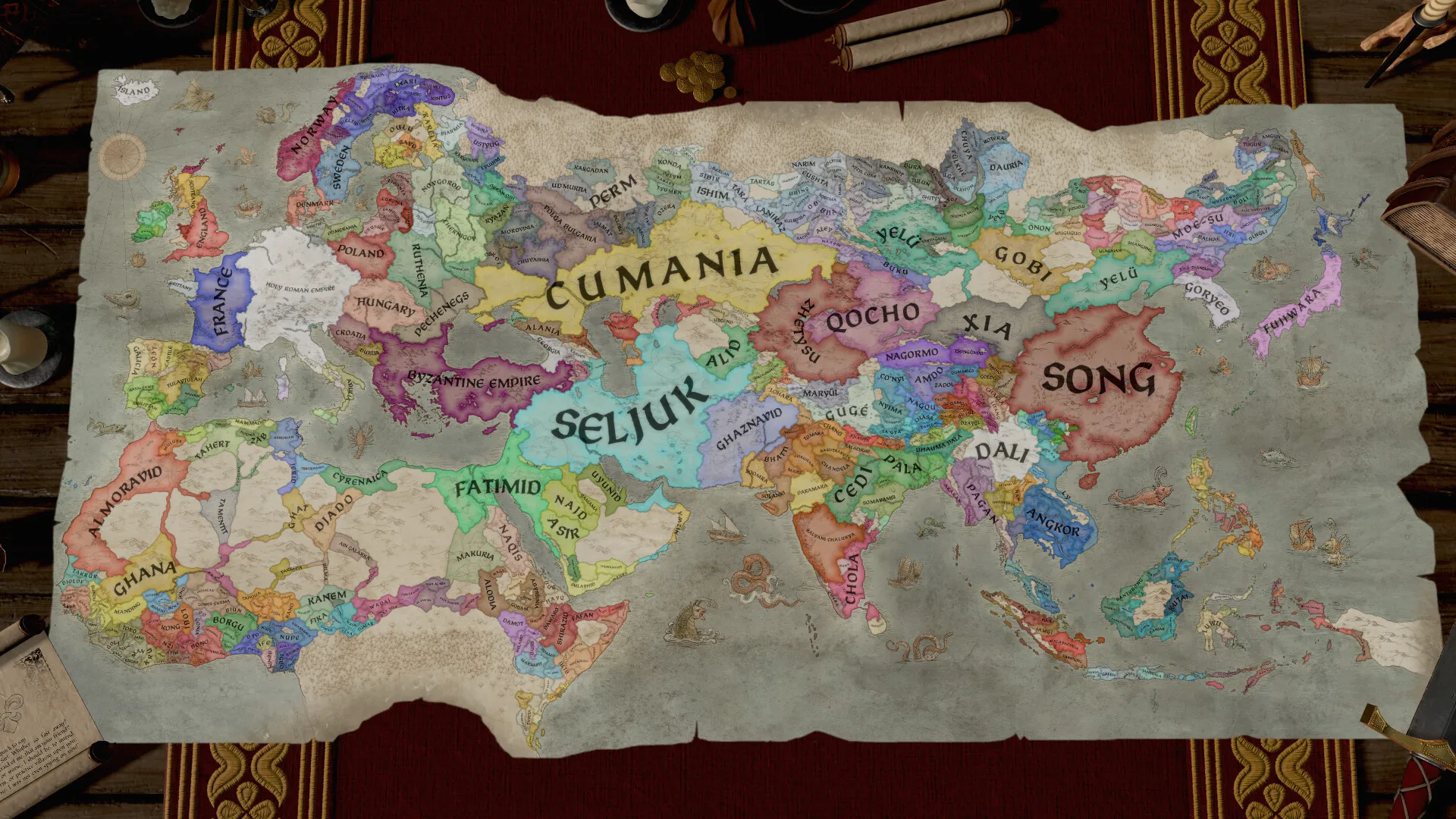
Guide your royal house through centuries, managing lands, titles, and vassals across a massive map stretching from Western Europe to India and Central Africa, all without paying full retail store prices.
Deep Personal Drama and Intrigue
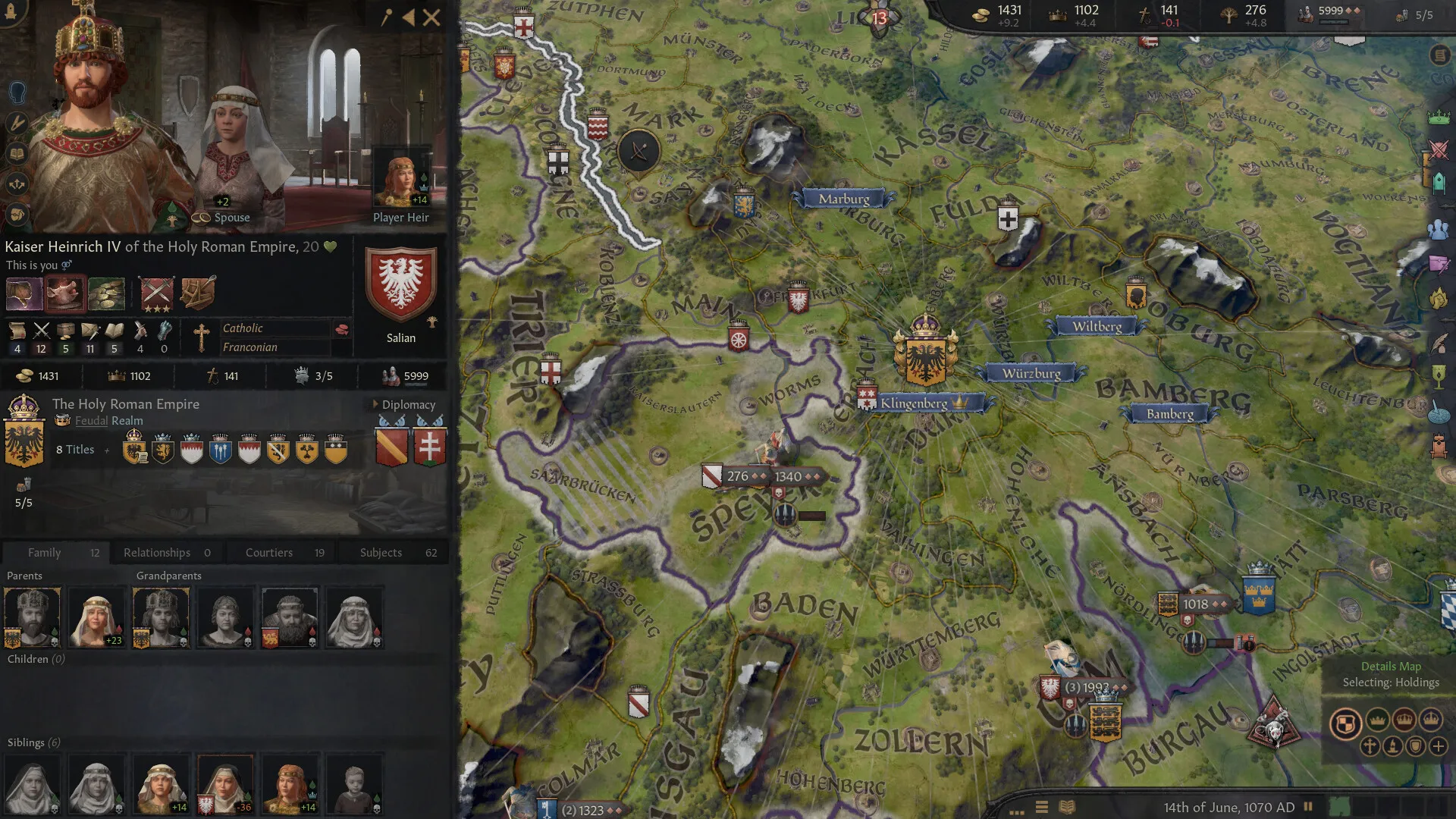
Every character has unique traits and life paths that influence how they rule. Arrange marriages, orchestrate plots, wage wars, and navigate betrayal, romance, and tyranny.
Immersive Grand Strategy & Warfare
Raise levies, hire mercenary companies, manage holy orders, and research new cultural innovations to establish an unbreakable hegemony over the medieval world.
A Complex Medieval Lore and Dynastic Legacy
Immerse yourself in a living, breathing historical sandbox where family trees, hereditary traits, and religious schisms shape the destiny of nations. Rewrite the geopolitical landscape of the Middle Ages through calculated alliances, scandalous secrets, and legendary holy wars.
Playtime and Campaign Duration
Prepare for an endlessly replayable grand strategy odyssey where completing a single multi-generational campaign takes roughly 20 to 30 hours. When you factor in exploring major DLC expansions like Tours & Tournaments and establishing custom religions, your total playtime easily expands to 150 or over 500 hours.
Included Major Expansions & Advanced Mechanics
Tours & Tournaments, Royal Court & Single-Player Depth (Fully Integrated)
Crusader Kings III features robust expansion passes and intricate political systems that deepen roleplaying choices and imperial administration.
Expansion & Feature Highlights:
- Tours & Tournaments Expansion: Travel across your realm with grand royal processions, participate in dangerous athletic tournaments, and host lavish wedding ceremonies.
- Royal Court Throne Room: Display your majestic artifacts, judge petitioner disputes, and surround yourself with eccentric courtiers in a fully realized 3D court environment.
- Custom Religion & Culture Creation: Reform existing faiths or invent entirely new religious heresies with custom tenets, clergy rules, and cultural traditions.
- In-Depth Vassal Management: Handle internal realm politics, appease ambitious counts and dukes, and crush rebellions through political maneuvering and strategic executions.
Languages & Audio Support
Full Voiceover (Audio): English
Subtitles & Interface: English, Spanish (Spain & Latin America), French, German, Russian, Simplified Chinese, Korean
System Requirements
| Requirement |
Minimum Specs (1080p 30 FPS Low) |
Recommended Specs (1080p 60 FPS High) |
| OS |
Windows 8.1 64-bit or Windows 10 Home 64-bit |
Windows 10 64-bit |
| Processor |
Intel Core i3-2120 / AMD FX-6350 |
Intel Core i5-4670K / AMD Ryzen 5 2400G |
| Memory |
6 GB RAM |
8 GB RAM |
| Graphics |
Nvidia GeForce GTX 460 (1GB) / AMD Radeon HD 6850 (1GB) |
Nvidia GeForce GTX 1650 (4GB) / AMD Radeon R9 390X |
| DirectX |
Version 11 |
Version 11 |
| Storage |
8 GB available space |
8 GB available space (SSD recommended) |
Frequently Asked Questions (FAQ)
Where can I buy Crusader Kings III cheap on PC?
You can purchase shared Steam account access directly from our digital store at a heavy discount. You get official game files, fast delivery, and full single-player strategy access without paying full retail price.
How to play Crusader Kings III in Steam Offline Mode?
Complete the download, launch the game once online to let Steam authenticate local binaries, exit the title, click "Steam" in the top-left menu, choose "Go Offline", and relaunch. You can now play entirely disconnected.
Will my save files be overwritten by other buyers?
No. Game saves are stored locally on your PC in your personal Steam user directory. As long as you stay in Offline Mode, your campaign progression remains completely isolated and secure.
Is this Crusader Kings III Steam account Region Free?
Yes. This account access is 100% Region Free and functions worldwide without VPN services, geographic locks, or country-specific limitations.