Access & Setup Guide (Steam PC)
Step-by-Step Steam Account Activation:
01
Log Out: Open the official Steam desktop client on your PC and log out of your personal Steam profile.
02
Sign In: Enter the shared Steam username and password delivered to you immediately after purchase.
03
Verify Steam Guard: Contact the seller via order chat to receive your one-time Steam Guard security code immediately.
04
Download Game: Navigate to your Library tab, find Celeste, and start the installation.
05
First Launch: Run the game once online to initialize engine binaries and configure display presets.
06
Enable Offline Mode: Switch Steam to Offline Mode (Steam menu > Go Offline) to scale the mountain privately with zero interruptions.
What You Get by Buying Celeste at a Cheap Price
A Masterpiece of Tight Precision Controls
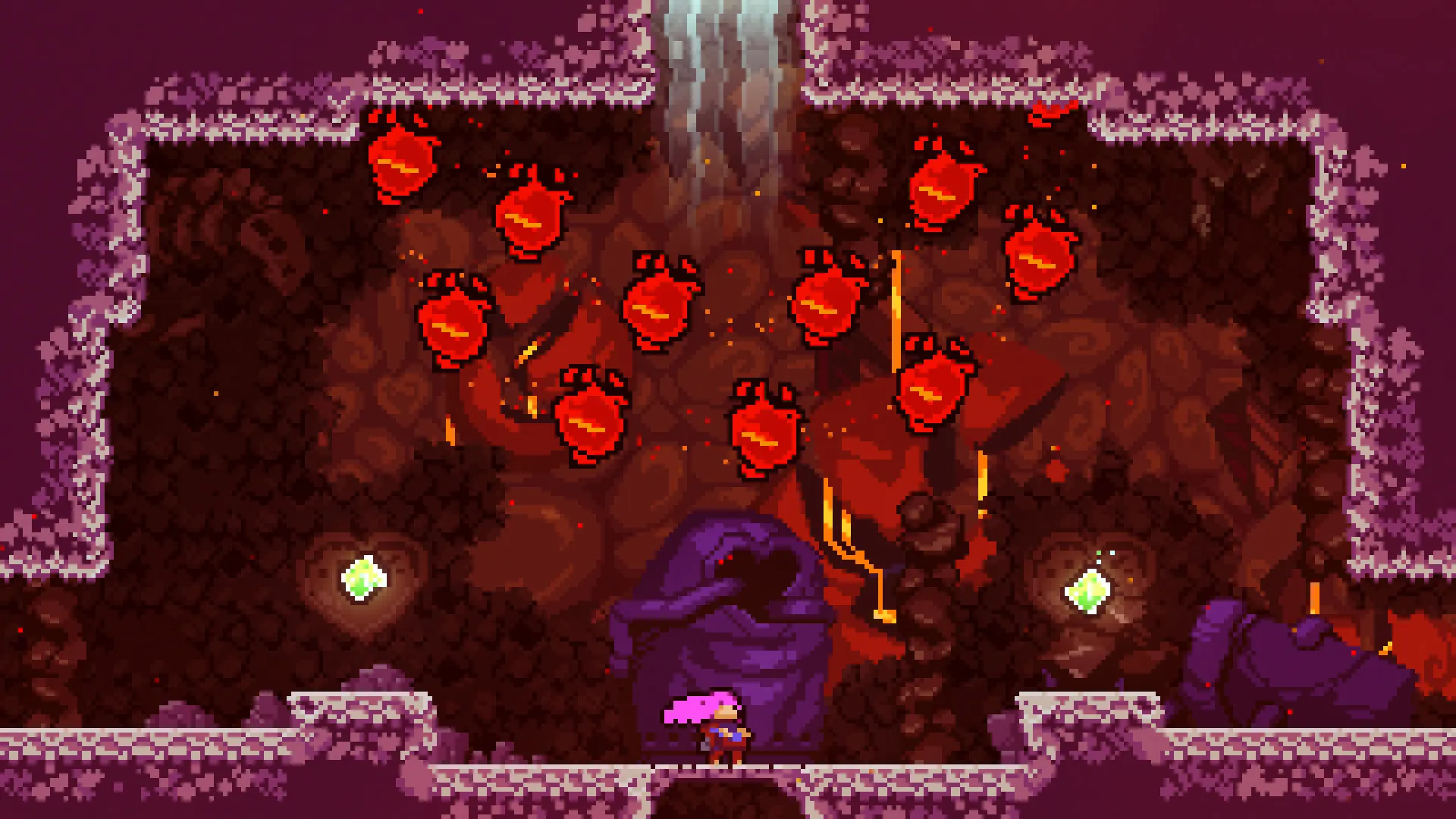
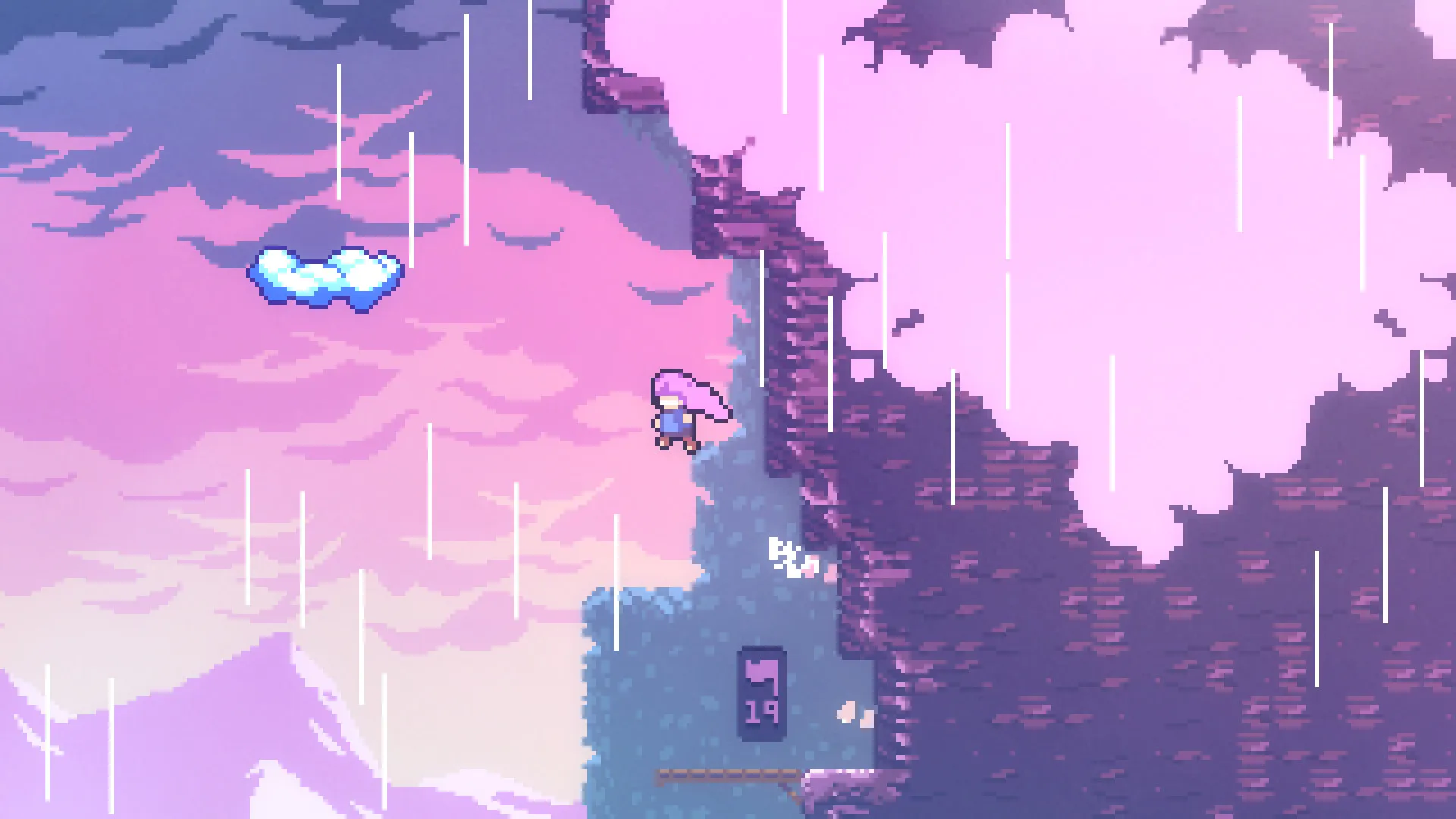
Master hundreds of handcrafted challenges featuring responsive jumping, air-dashing, and wall-climbing mechanics designed to test your reflexes and persistence, all without paying full retail store prices.
A Heartfelt and Emotional Story
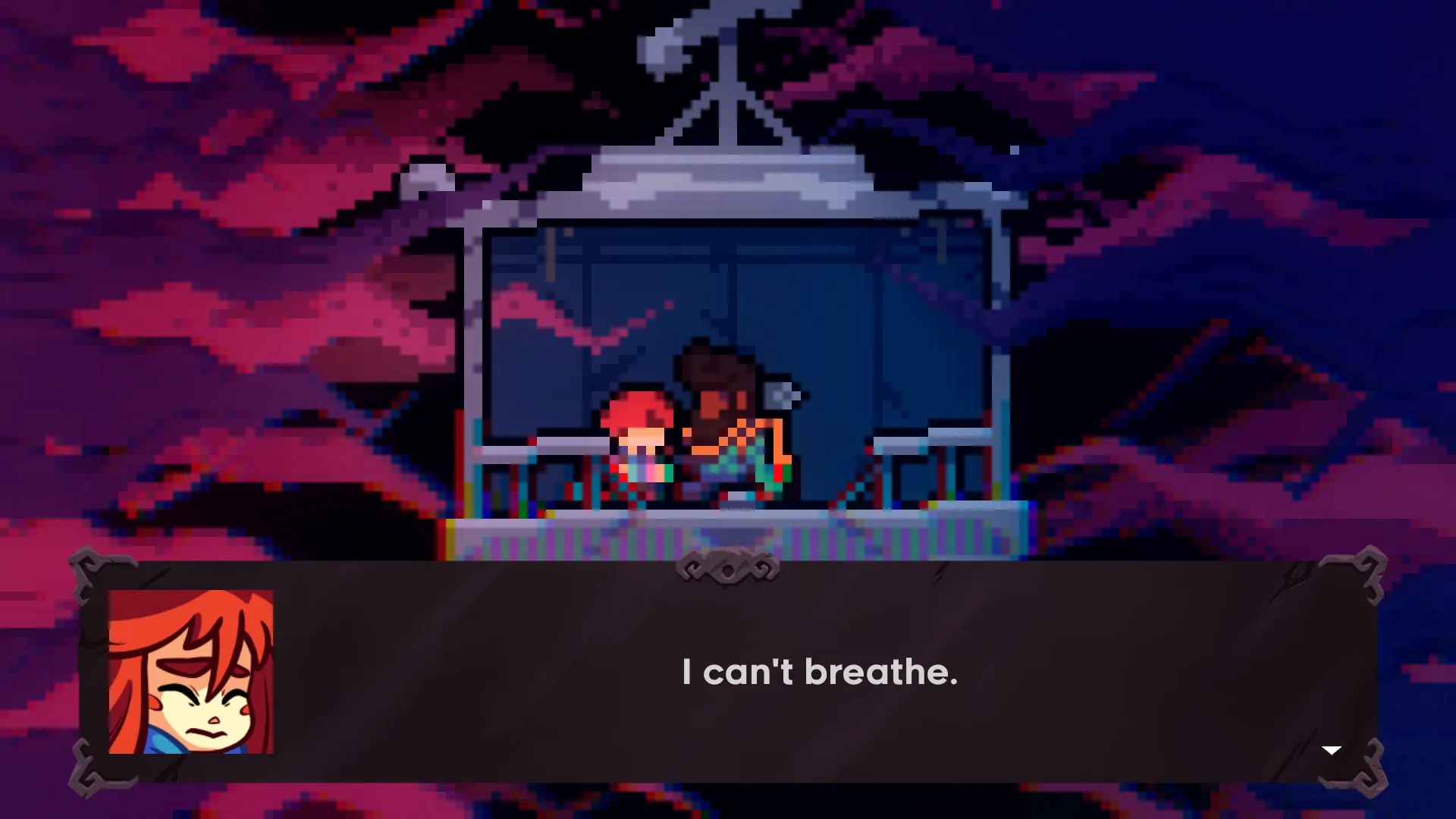
Experience a touching narrative about self-discovery and overcoming anxiety as Madeline battles her inner demons on her grueling ascent up the mountain.
Breathtaking Soundtrack and Secrets
Immerse yourself in a brilliant, award-winning live piano and electronic soundtrack while uncovering hidden B-Sides, C-Sides, and collectibles across dozens of sprawling levels.
An Immersive Mountain Lore and Emotional Odyssey
Immerse yourself in a deeply psychological narrative where the physical mountain serves as a manifestation of inner turmoil. Bond with quirky characters like Theo and Granny, and confront the physical embodiment of your own self-doubt as you strive to reach the peak.
Playtime and Campaign Duration
Prepare for an unforgiving yet deeply rewarding platforming masterpiece where completing the main story campaign takes roughly 8 to 12 hours. When you factor in tackling the punishing B-Sides and C-Sides, conquering the free Farewell chapter, and hunting down all golden strawberries, your total playtime easily expands to 30 or over 80 hours.
Included Farewell Chapter & Advanced Platforming Mechanics
Farewell Epilogue Chapter, Assist Mode & B-Side Remixes (Fully Integratd)
Celeste pairs its core precision platforming campaign alongside the massive free epilogue chapter "Farewell," highly customizable accessibility features, and brutal remix levels.
Expansion & Feature Highlights:
- Farewell Epilogue Chapter: Experience a massive, highly challenging final chapter featuring new mechanics, gorgeous music tracks, and emotional closure for Madeline's journey.
- Flexible Assist Mode: Tailor the difficulty to your exact preference using accessible tools like game speed adjustments, infinite dashes, or invincibility if a specific screen proves too frustrating.
- B-Sides and C-Sides: Unlock devilishly difficult alternative versions of each main chapter that test advanced movement techniques like wave-dashing and hyper-jumping.
- Speedrun and Strawberries: Challenge yourself with built-in speedrun timers, death counters, and high-risk golden strawberry collectibles for ultimate mastery.
Languages & Audio Support
Full Voiceover (Audio): None / Chiptune Soundscapes
Subtitles & Interface: English, Spanish (Spain & Latin America), French, German, Italian, Polish, Russian, Japanese, Simplified & Traditional Chinese, Korean, Brazilian Portuguese
System Requirements
| Requirement |
Minimum Specs (1080p 30 FPS Low) |
Recommended Specs (1080p 60 FPS High) |
| OS |
Windows 7 64-bit |
Windows 10 64-bit |
| Processor |
Intel Core i3M |
Intel Core i5 |
| Memory |
2 GB RAM |
4 GB RAM |
| Graphics |
Intel HD Graphics 4000 |
Dedicated GPU with 1GB VRAM |
| DirectX |
Version 10 |
Version 11 |
| Storage |
1.2 GB available space |
1.2 GB available space (SSD recommended) |
Frequently Asked Questions (FAQ)
Where can I buy Celeste cheap on PC?
You can purchase shared Steam account access directly from our digital store at a heavy discount. You get official game files, fast delivery, and full single-player precision platformer access without paying full retail price.
How to play Celeste in Steam Offline Mode?
Complete the download, launch the game once online to let Steam authenticate local binaries, exit the title, click "Steam" in the top-left menu, choose "Go Offline", and relaunch. You can now play entirely disconnected.
Will my save files be overwritten by other buyers?
No. Game saves are stored locally on your PC in your personal Steam user directory. As long as you stay in Offline Mode, your mountain ascent progression remains completely isolated and secure.
Is this Celeste Steam account Region Free?
Yes. This account access is 100% Region Free and functions worldwide without VPN services, geographic locks, or country-specific limitations.