Access & Setup Guide (Steam PC)
Step-by-Step Steam Account Activation:
01
Log Out: Open the official Steam desktop client on your PC and log out of your personal Steam profile.
02
Sign In: Enter the shared Steam username and password delivered to you immediately after purchase.
03
Verify Steam Guard: Contact the seller via order chat to receive your one-time Steam Guard security code immediately.
04
Download Game: Navigate to your Library tab, find ASTRONEER, and start the installation.
05
First Launch: Run the game once online to initialize engine binaries and configure display presets.
06
Enable Offline Mode: Switch Steam to Offline Mode (Steam menu > Go Offline) to explore planetary sandboxes privately with zero interruptions.
What You Get by Buying ASTRONEER at a Cheap Price
Reshape Planets and Build Custom Bases
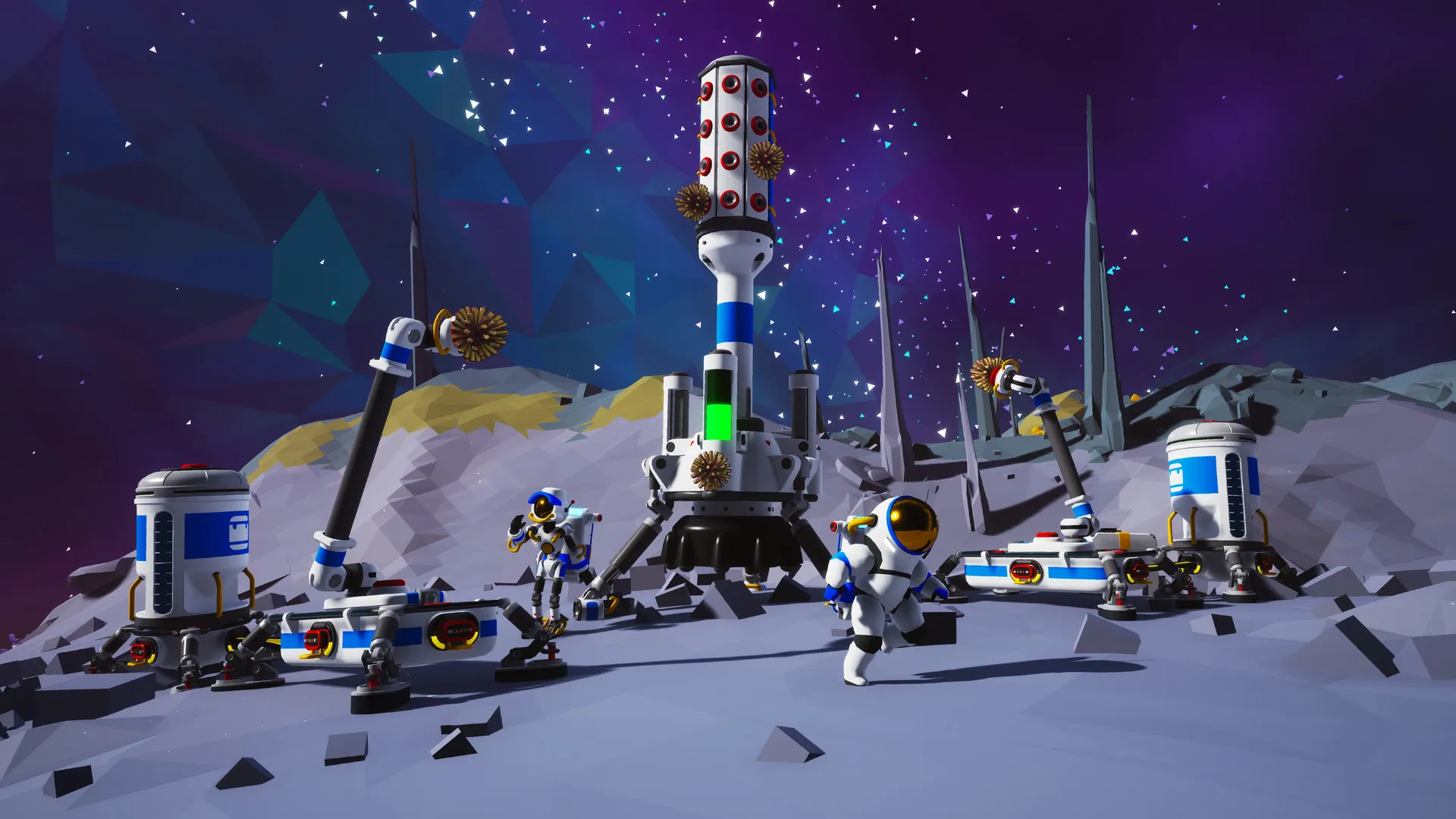
Use your terrain tool to dig, build, shape, and mold planets across the solar system, constructing expansive base layouts, rovers, and aerospace modules, all without paying full retail store prices.
Interplanetary Exploration & Resource Harvesting
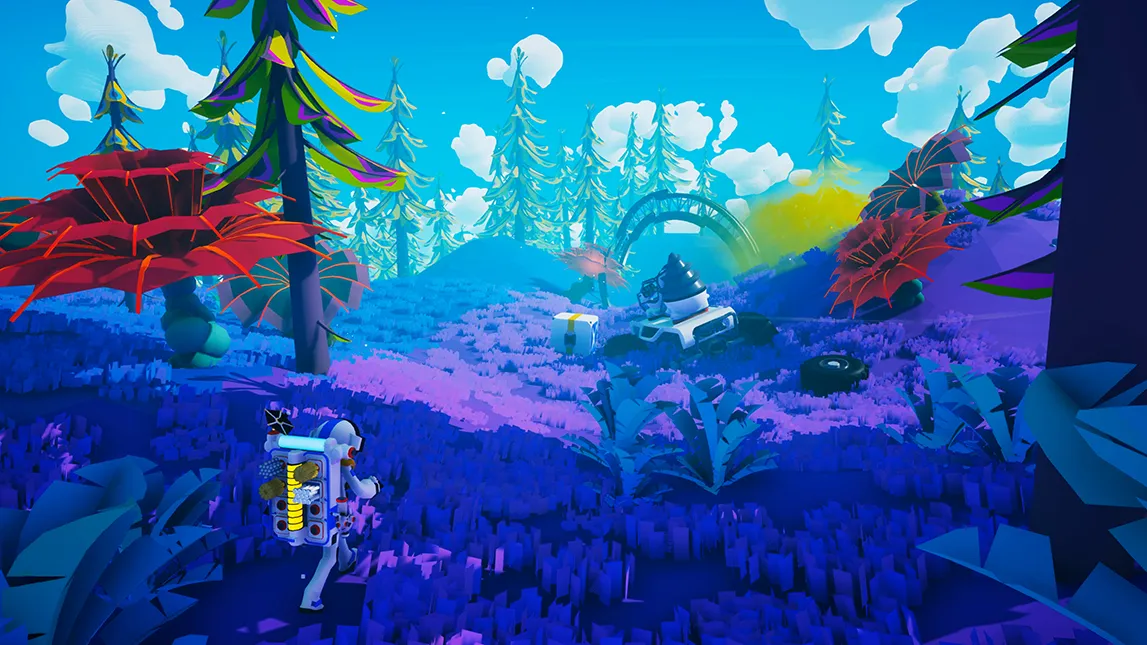
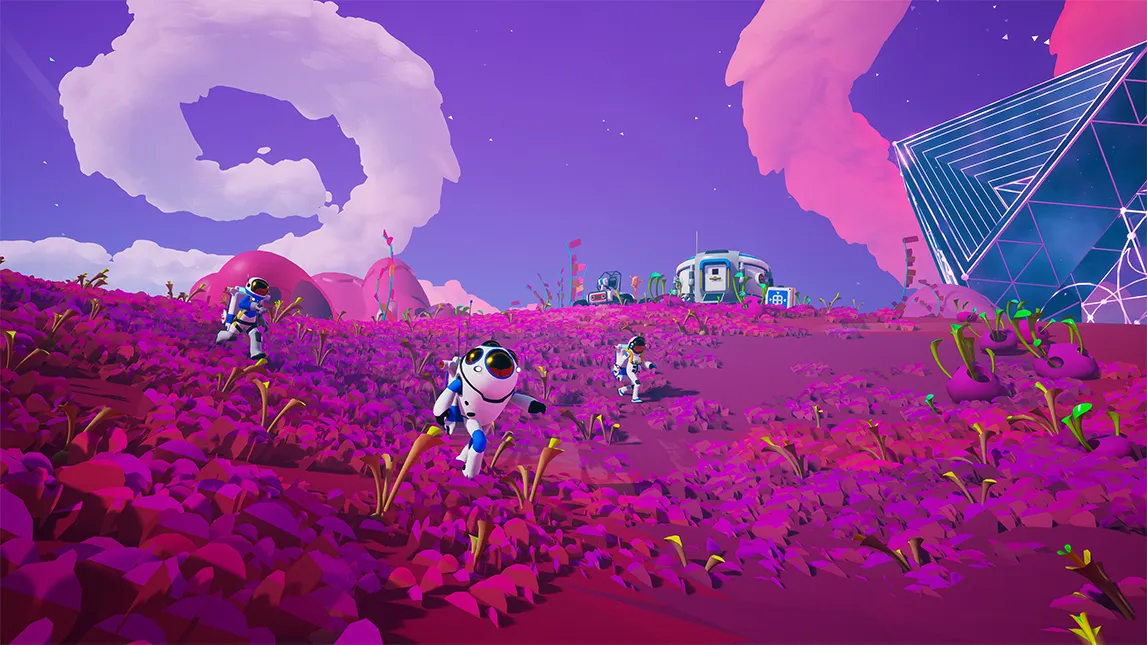
Travel through space across multiple unique planets and moons, each with distinct hazards, underground caverns, and valuable exotic materials.
Creative Freedom & Automation
Build complex automation systems, power grids, and specialized tools to conquer harsh planetary environments at your own pace.
An Immersive Solar System Lore and Sandbox Exploration Masterwork Odyssey
Immerse yourself in a critically acclaimed, brilliantly stylized sandbox exploration masterwork crafted by System Era Softworks. Step into the tether-equipped boots of an interstellar Astroneer shaping worlds across the 25th century gold rush, where every terrain deformation sculpted, rover train engineered, and planetary core activated shapes an unforgettable journey of cosmic discovery and creative freedom.
Playtime and Campaign Duration
Prepare for an absorbing, highly satisfying sandbox adventure where completing the main solar system exploration missions and activating all planetary cores takes roughly 30 to 50 hours. When you factor in building massive industrial automation networks, unlocking every cosmetic item, and playing cooperatively with friends, your total playtime easily expands to 60 or over 100 hours.
Included Solar System Systems & Advanced Sandbox Exploration Mechanics
Deformable Planets, Interplanetary Flight & Automation Networks (Fully Integrated)
ASTRONEER pairs its acclaimed space sandbox exploration campaign alongside fully deformable voxel terrain physics, seamless interplanetary travel, and sophisticated resource automation loops.
Feature & Mechanic Highlights:
- Fully Deformable Voxel Planets: Sculpt, dig, and build anything across entire spherical celestial bodies using a versatile terrain tool that makes every world your canvas.
- Seamless Interplanetary Travel: Build customized space shuttles and space stations to hop between unique planets and hostile moons, each featuring distinct biomes and resources.
- Industrial Automation & Power Grids: Construct automated resource extractors, robotic arms, repeaters, and complex power distribution lines to streamline your manufacturing chains.
- Drop-In Cooperative Multiplayer: Share the planetary exploration and base-building journey with up to four friends in seamless online cooperative sessions.
Languages & Audio Support
Full Voiceover (Audio): English
Subtitles & Interface: English, French, German, Spanish (Spain), Japanese, Korean, Russian, Simplified Chinese, Traditional Chinese, Polish, Portuguese (Brazil), Italian
System Requirements
| Requirement |
Minimum Specs (1080p 30 FPS Low) |
Recommended Specs (1080p 60 FPS High) |
| OS |
Windows 7 / 8 / 10 64-bit |
Windows 10 64-bit |
| Processor |
X64 Dual Core CPU, 2 GHz |
X64 Quad Core CPU, 3 GHz or better |
| Memory |
8 GB RAM |
16 GB RAM |
| Graphics |
Discrete Non-Integrated GPU, 1 GB VRAM |
Discrete Non-Integrated GPU, 2 GB VRAM |
| DirectX |
Version 11 |
Version 11 |
| Storage |
4 GB available space |
4 GB available space (SSD recommended) |
Frequently Asked Questions (FAQ)
Where can I buy ASTRONEER cheap on PC?
You can purchase shared Steam account access directly from our digital store at a heavy discount. You get official game files, fast delivery, and full single-player space sandbox exploration access without paying full retail price.
How to play ASTRONEER in Steam Offline Mode?
Complete the download, launch the game once online to let Steam authenticate local binaries, exit the title, click "Steam" in the top-left menu, choose "Go Offline", and relaunch. You can now play entirely disconnected.
Will my save files be overwritten by other buyers?
No. Game saves are stored locally on your PC in your personal Steam user directory. As long as you stay in Offline Mode, your campaign progression remains completely isolated and secure.
Is this ASTRONEER Steam account Region Free?
Yes. This account access is 100% Region Free and functions worldwide without VPN services, geographic locks, or country-specific limitations.