
Buy Zenless Zone Zero 60 Monochrome | GGPick
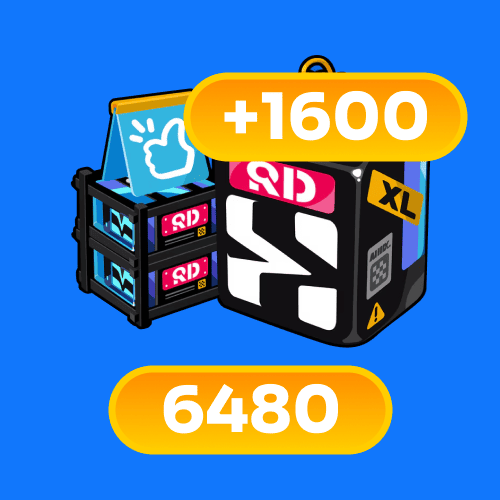
6480+1600 Monochrome
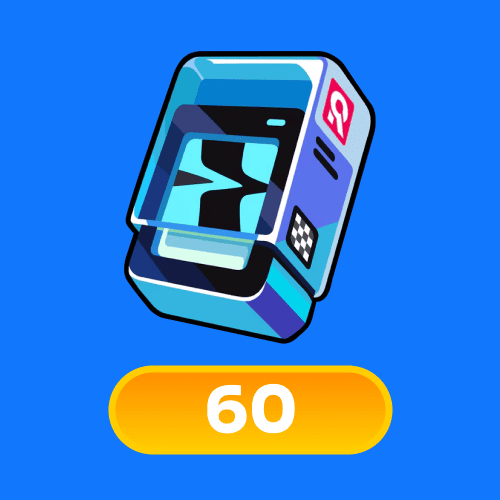
60 Monochrome
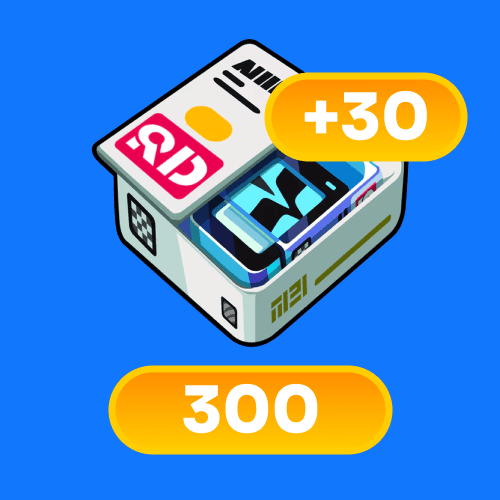
300+30 Monochrome
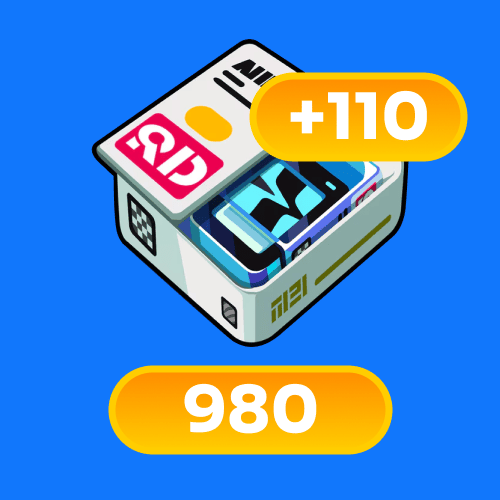
980+110 Monochrome
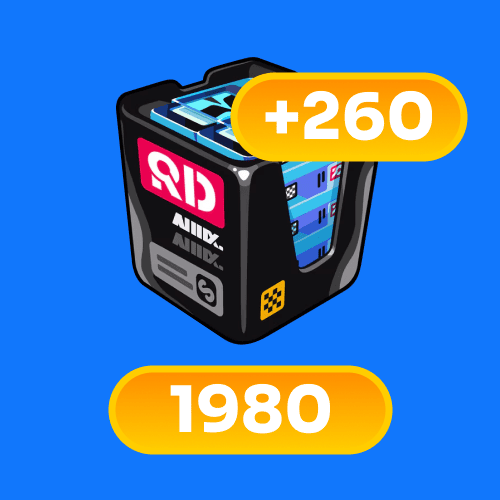
1980+260 Monochrome
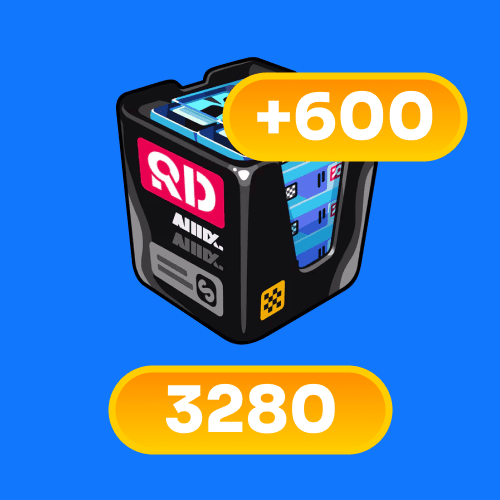
3280+600 Monochrome
Top-up instructions
How to top up (what to enter before you press TOP UP)
This is a UID top up for Zenless Zone Zero (ZZZ) Monochrome. Before checkout, enter your details in the input field as UID + server, then press TOP UP.
UID + server in one field
Please enter: UID SERVER (usually one space between them).
Example: 123456789 Europe
Common server names players use: Asia, America, Europe, HK/TW/MO.
There is no separate server selector on this page, so the easiest way is to include the server text right next to your UID.
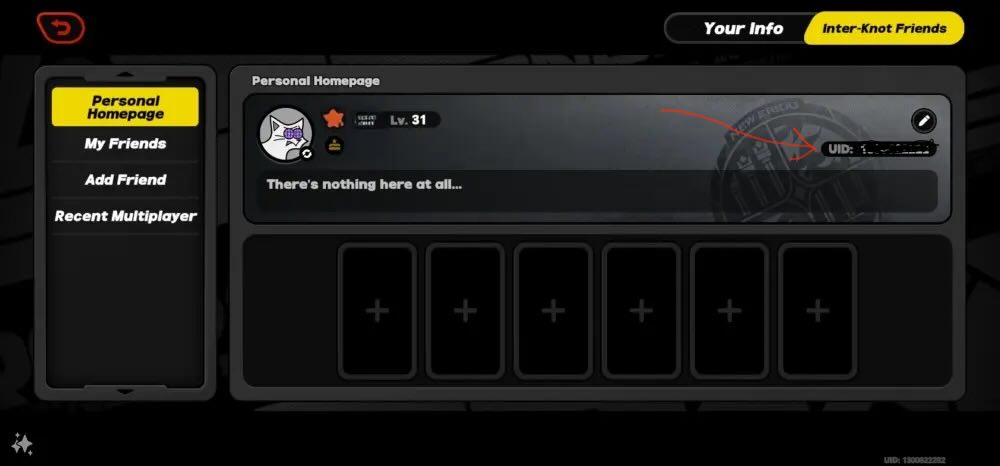
How to find your ZZZ UID
1) Open Zenless Zone Zero and log in.
2) Tap the Menu icon (top-left).
3) Your User ID (UID) is shown on your profile/home page — tap it to copy.
Tip: Copy/paste your UID whenever possible to avoid mistakes.
User flow (step-by-step)
1) Choose the Monochrome bundle you want.
2) Enter UID + server in the field.
3) Press TOP UP and complete payment in checkout.
4) You will receive order updates, and you can track status in your account after logging in.
5) If you have any questions, contact support and provide your Order ID.
Common mistakes to avoid
• Typo in UID.
• Missing server info (if needed for your offer).
• Extra characters or unintended symbols in the field.
Support
Support is available 24/7 via ticket or email: [email protected].
Processing & delivery
Orders are processed and delivered Issued 24/7.
Payments
Pay with Visa, MasterCard, or cryptocurrencies (BTC, ETH, USDT, USDC, BNB).
Zenless Zone Zero (ZZZ) Monochrome top up on GGPICK — buy bundles and press TOP UP
Use this page to top up Monochrome for Zenless Zone Zero (ZZZ). Choose a bundle, enter UID + server in the field, press TOP UP, and complete checkout.
This page is designed for players searching for ZZZ top up, Zenless Zone Zero top up, Monochrome top up, recharge Monochrome, and buy Monochrome.
Available Monochrome bundles
Choose the pack you need and press TOP UP.
Each bundle has its own page. You can open any pack above to view pack-specific details.
What is Zenless Zone Zero (ZZZ)?
Zenless Zone Zero (ZZZ) is an action RPG where players build teams, progress through content, and make in-game purchases to support their preferred playstyle.
Many players look for a ZZZ top up option when they want to plan resources around updates, events, and long-term progression.
What is Monochrome and what is it used for?
Monochrome is the premium currency used for in-game purchases in Zenless Zone Zero.
If you want to buy Monochrome, recharge Monochrome, or top up Monochrome, the steps on this page are the same:
choose a bundle → enter UID + server → press TOP UP → checkout.
Why players top up Monochrome
• Keep premium currency ready for in-game decisions and purchases.
• Choose a bundle size that matches your plan and budget.
• Stay flexible during updates and limited-time content cycles.
How to top up ZZZ Monochrome on GGPICK
1) Select the Monochrome bundle you need.
2) Enter UID + server in the input field.
3) Press TOP UP and complete payment in checkout.
4) Track order updates by email and via your account order status after logging in.
5) If you need help, contact support and provide your Order ID.
Top up / recharge / buy — same intent
Players use different terms: top up, recharge, buy Monochrome, or purchase Monochrome bundles. On GGPICK the flow is always:
choose a bundle → enter UID + server → press TOP UP → checkout.
Security and warranty
What information is required
• UID + server (entered in one field).
• Order ID if you contact support.
Warranty window (72 hours)
Warranty window: 72 hours. If you have an issue, contact support and provide your Order ID.
Support will review the case and verify the information. Depending on the situation and verification results, the resolution may include a refund.
What “Delivered” means in our system
If an order status shows Delivered in our system, it means the selected Monochrome bundle was delivered to the in-game profile linked to the UID you provided (with the server details included as entered).
FAQ
Is this a UID top up?
Yes. Enter your UID + server in the field, press TOP UP, and complete checkout.
Do I need to choose a server on this page?
No. There is no separate server selector on this page. Include the server text with your UID in the same field.
What payment methods are available?
You can pay with Visa, MasterCard, or cryptocurrencies (BTC, ETH, USDT, USDC, BNB).
When is delivery processed?
Orders are processed and delivered Monday–Friday, 10:00–17:00 Madrid time. Support is available 24/7 for questions and order tracking.
What details do I need for support?
Provide your Order ID. You can contact support via ticket or email [email protected].
Legal notice
GGPick is not affiliated with the game’s rights owner. All products are provided by independent sellers.
100% Safe Transaction
Efficient, professional, and fully secure with complete data protection.
24/7 Customer Service
Reliable help is available at any time: before, during, and even after your purchase.
Full Refund Guarantee
Best prices, fast delivery. Unreceived or faulty items get a 100% refund.

 5.0
5.0  5.0
5.0  5.0
5.0
5.0
5.0
5.0
5.0
5.0
5.0
5.0
5.0  5.0
5.0
5.0
5.0
5.0
5.0