
Buy 100 Diamonds cheap on Free Fire
110 Diamonds
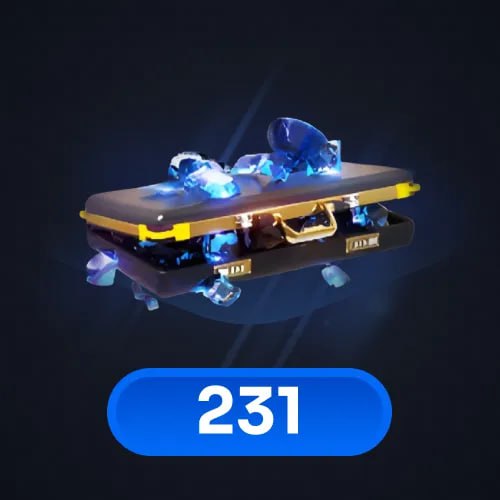
231 Diamonds
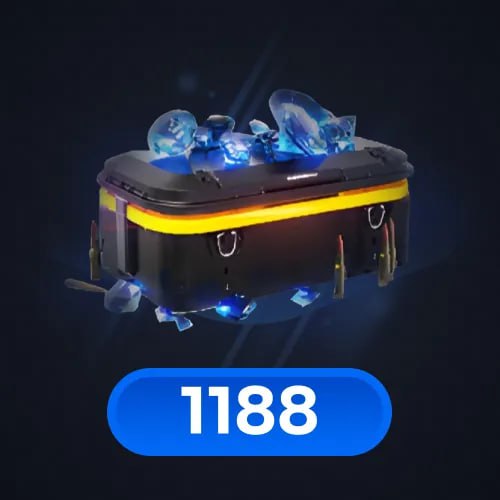
1188 Diamonds
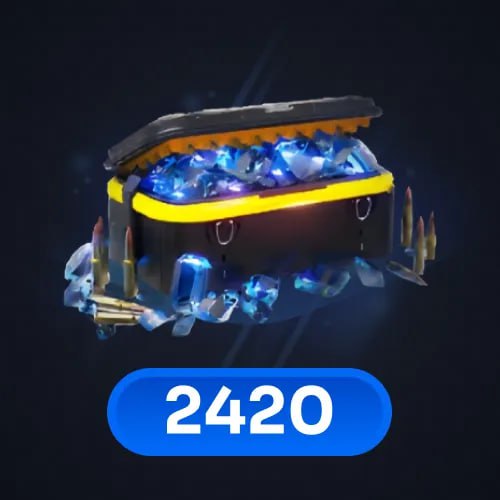
2420 Diamonds
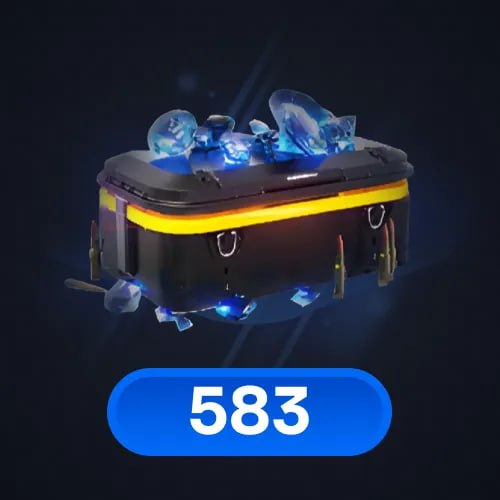
583 Diamonds
Top-up instructions
How to activate:
Before making a purchase, enter your Player ID (*******)
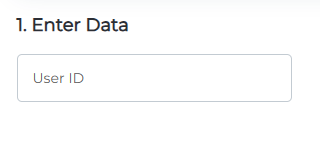
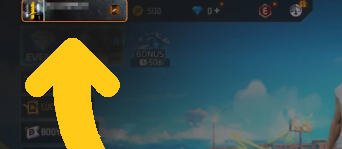
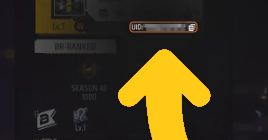
How to find Free Fire Player ID:
- Use your account to log in the game;
- Click on your avatar in the top-left corner;
Your Free Fire Player ID will be displayed.
🕐 24/7 Support
✅ Warranty
I’ve been working for over 4 years.
I deliver orders quickly and with high quality!
Quick summary: To buy Free Fire Diamonds (Free Fire top up, recharge, load, or add diamonds), choose a pack, enter Player ID (*******), then click TOP UP. In checkout, select a payment method and enter your email to receive a receipt + order status and to access your account for support chat.
This is the main page with all available denominations for Free Fire Diamonds top up. If you search for buy Free Fire Diamonds, Free Fire diamond recharge, top up diamonds, load diamonds Free Fire, or add diamonds, the flow is simple and consistent: pack → Player ID (*******) → TOP UP → payment.
💎 Available Free Fire Diamonds packs
- 100 Diamonds
- 310 Diamonds
- 520 Diamonds
- 1060 Diamonds
- 2180 Diamonds
Choose the pack that fits your needs. The key requirement is entering Player ID (*******) ( no extra symbols).
🧭 How to buy / top up Free Fire Diamonds
- Select your Diamonds pack (100 / 310 / 520 / 1060 / 2180).
- Enter your Player ID (*******) in one line).
- Click TOP UP.
- In checkout, choose a payment method and enter your email.
- Complete payment. Your email is used for receipt + order status, and to access your account to contact support via tickets/chat.
⚠️ Common mistakes (avoid delays)
- Wrong format: enter Player ID (*******), with one single space.
- Extra characters: no commas, dashes, slashes, emojis, or additional text.
- Typos: double-check digits carefully before clicking TOP UP.
- Email mistakes: enter a valid email to receive receipt + status and to access your account.
✅ Why buy Free Fire Diamonds on GGPICK
- Warranty: we guarantee we will fulfill your order.
- 24/7 support: assistance anytime via tickets/chat.
- Good value: competitive pricing without “cheapest” promises.
- Clear process: one-page packs, one-line input (Player ID (*******) ).
- Global-friendly: built for international users with multiple payment options.
💳 Payment methods
Pay with Visa, MasterCard, LATAM payment methods, and crypto.
Popular crypto: BTC, ETH, USDT, BNB, USDC.
🎮 What is Free Fire?
Free Fire is a popular mobile battle royale game where players compete in fast-paced matches and aim to be the last one standing. Matches focus on looting, positioning, and survival strategy, making the experience easy to start and rewarding to master.
🆚 What’s the difference between Free Fire and Free Fire MAX?
Free Fire MAX is a version designed for a more visually enhanced experience, with upgraded graphics and effects compared to the standard version. The core gameplay remains familiar, so players can choose the version that best fits their device and preferences.
💎 What are Free Fire Diamonds?
Free Fire Diamonds are the premium in-game currency used to unlock content and personalize your experience. Players commonly use Diamonds to access cosmetic items and other in-game options that support customization.
🔁 Is there a difference between FF MAX Diamonds and Free Fire Diamonds?
In many top-up listings, Diamonds are treated as the same premium currency for both Free Fire and Free Fire MAX. The most important part is entering your details correctly in the required format (Player ID (*******) ).
✅ Why do players top up Free Fire Diamonds?
Players top up Diamonds to unlock more customization options and access content conveniently. If your goal is to buy Free Fire Diamonds or recharge Diamonds, choosing the right pack and entering Player ID (*******) correctly helps ensure a smooth purchase experience.
FAQ — Free Fire Diamonds Top Up
How do I buy Free Fire Diamonds on this page?
Select a Diamonds pack, enter Player ID (*******), click TOP UP, then complete payment in checkout.
What should I enter in the input field?
Enter your Player ID (*******). Do not add extra symbols or words.
Which Diamonds packs are available?
This page includes: 100, 310, 520, 1060, and 2180 Diamonds.
What is the email used for in checkout?
To send you a receipt and order status, and to give you access to your account so you can contact support via tickets/chat.
Can I add extra symbols next to Player ID (*******)?
No. Use the exact required format: Player ID (*******). No additional characters.
100% Safe Transaction
Efficient, professional, and fully secure with complete data protection.
24/7 Customer Service
Reliable help is available at any time: before, during, and even after your purchase.
Full Refund Guarantee
Best prices, fast delivery. Unreceived or faulty items get a 100% refund.

 5.0
5.0  5.0
5.0  5.0
5.0
5.0
5.0
5.0
5.0
5.0
5.0
5.0
5.0  5.0
5.0
5.0
5.0
5.0
5.0