
Buy 420 CP for Call of Duty: Mobile cheap and advantageous
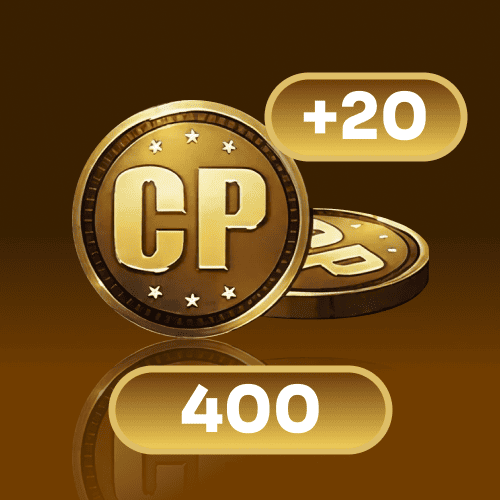
400 + 20 CP
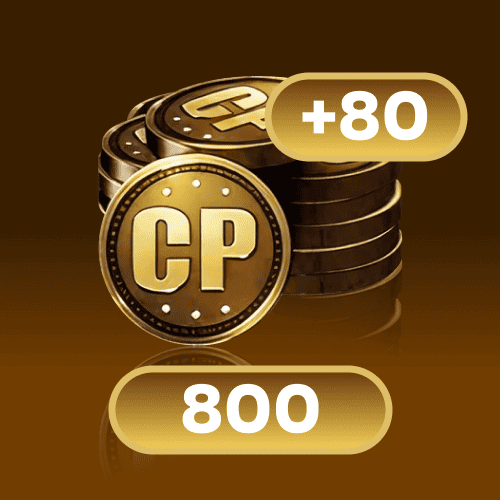
800 + 80 CP
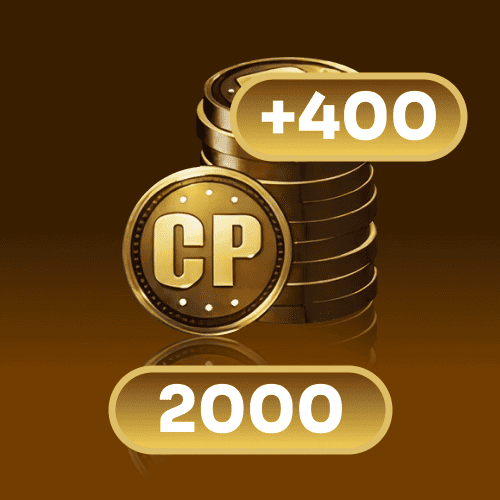
2000 + 400 CP
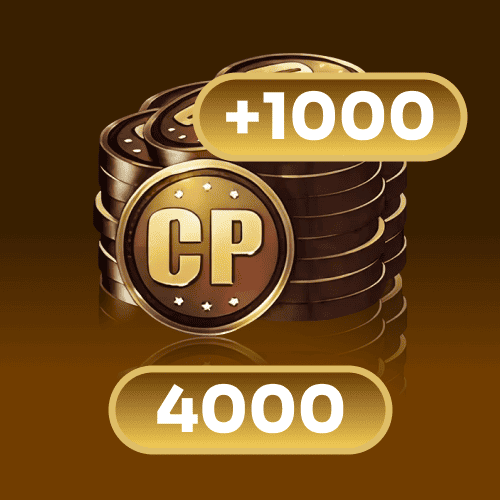
4000 + 1000 CP
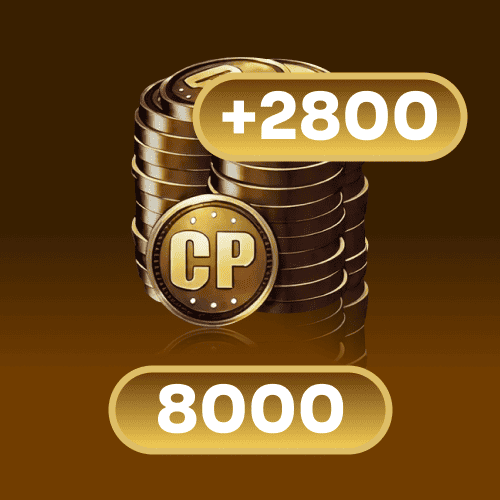
8000 + 2800 CP
Top-up instructions
🛠️ CODM CP Top Up — Procedure (Login TopUp)
⚠️ Important
This product uses Login TopUp. You’ll need to provide the Call of Duty (official) login method + account + password + character name so the seller can complete the CP purchase inside the game.
During processing, do not log in to the game on any device to avoid conflicts.
- 1)Select a CP pack below.
- 2)On the product page, enter your login + password and your character name (only Call of Duty official login is supported).
- 3)Press TOP UP.
- 4)In checkout, choose payment method and enter your email.
- 5)Complete payment: you’ll receive your receipt and order status by email (use it to contact support if needed).
- 6)If the seller requests a verification code during login, provide it quickly (watch your platform notifications).
Note: processing time can vary. For COD Points purchases, some platforms note it can take time to appear in-game.
Top-up Procedures (Login Top Up)
- Place your order and complete the payment.
- After payment, provide your account information on the product page so we can log in and complete the top-up.
Important: please do not log in to the game during processing.
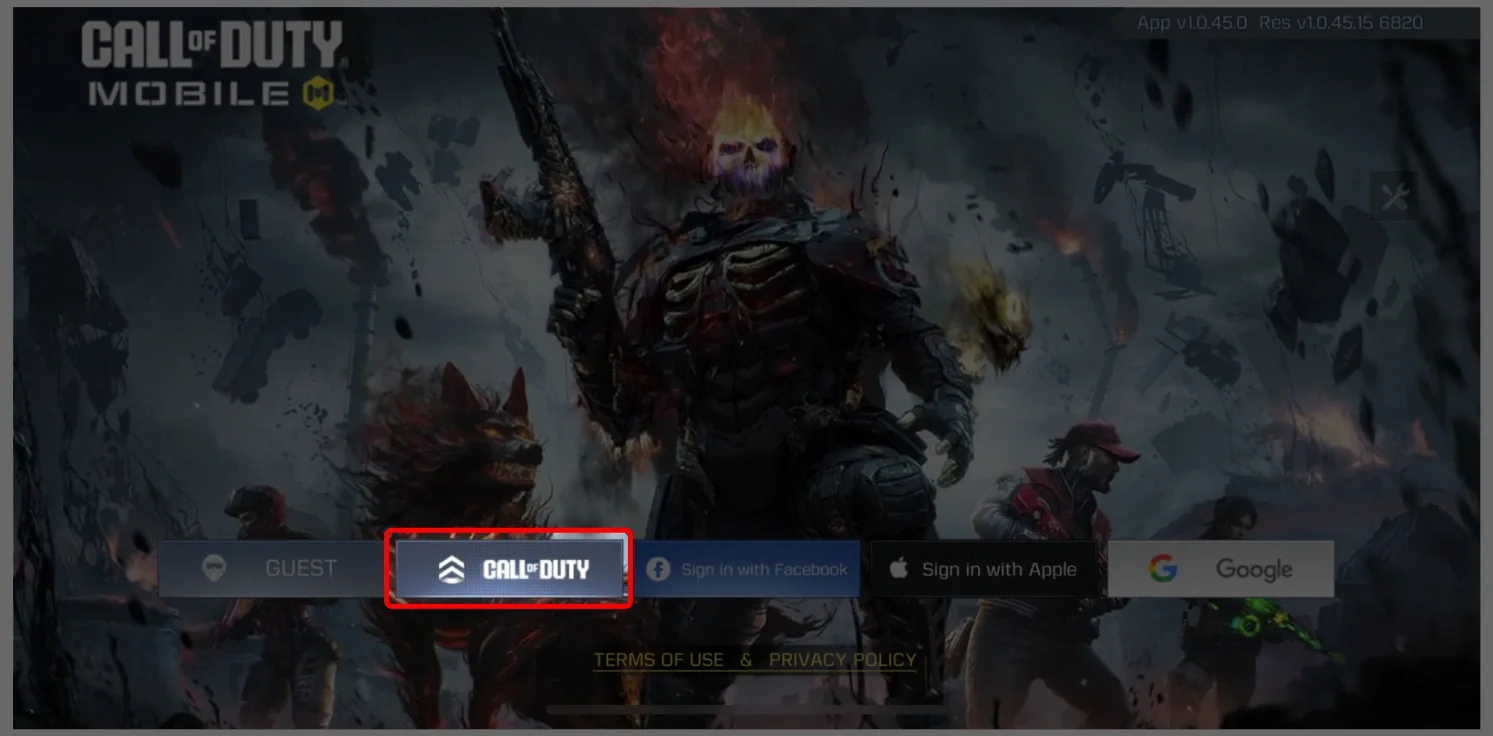
- We will purchase / top up the items in the game based on the product you ordered.
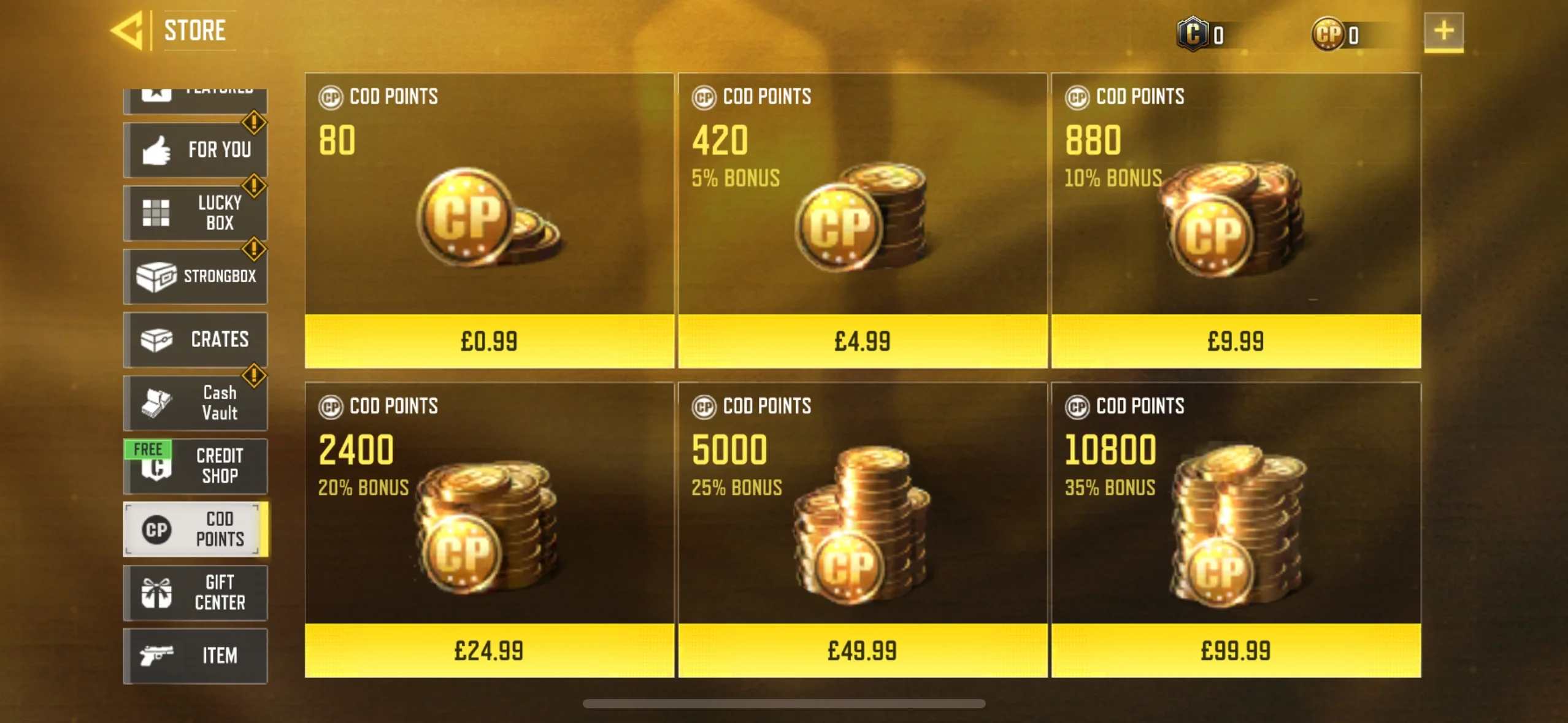
- After we complete the purchase/top up, we will log out and clear the login history.
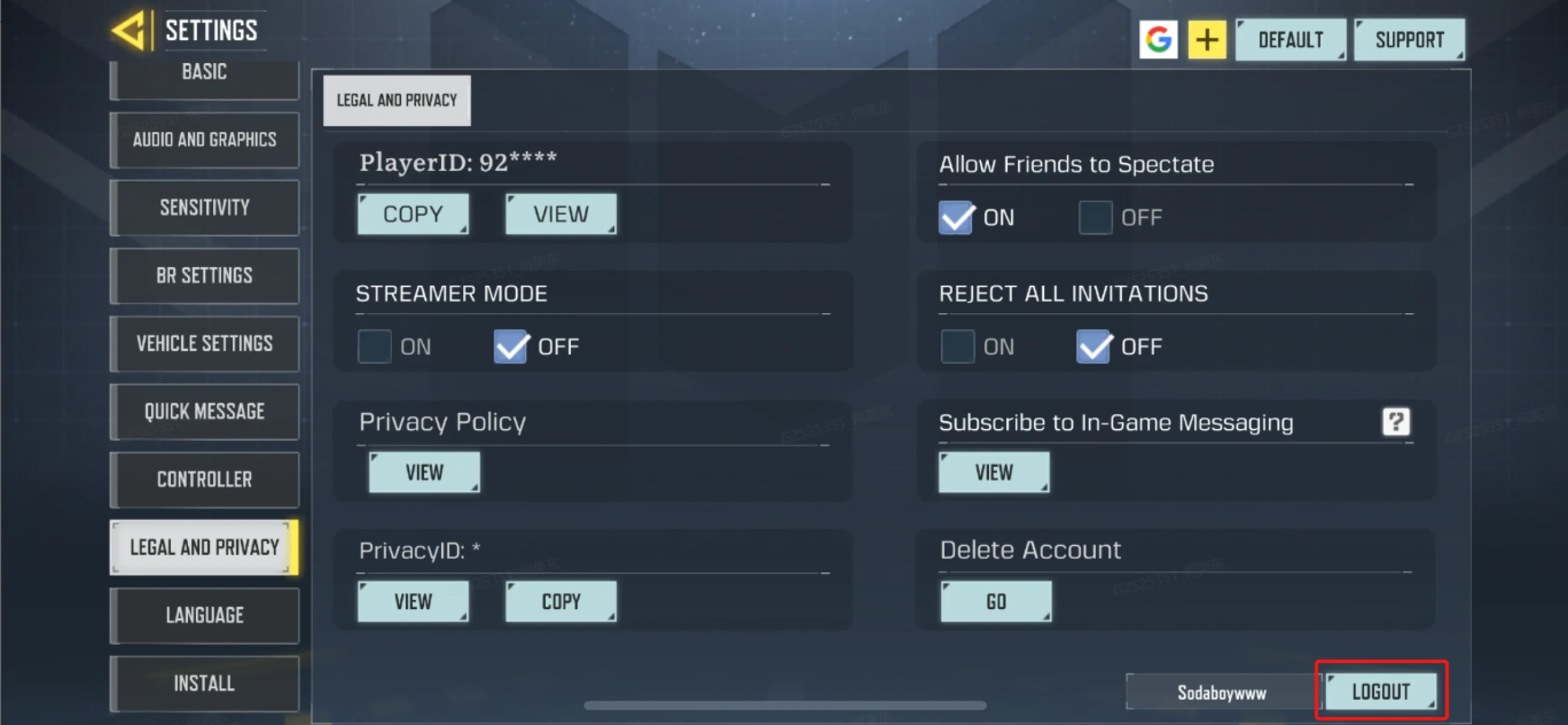
- You will receive a notification when the top-up is complete, and then you can log in to verify the transaction in-game.
If a verification code is required during login, please stay available and share it promptly so the top-up can be completed without delays.
🎯 Available CODM CP Bundles
Tip: pick the bundle that matches your goal (Battle Pass, tiers, crates, bundles, draws). COD Points are the in-game currency used to buy items in the store and unlock Battle Pass tiers.
CODM CP Top Up Information
- Game: Call of Duty: Mobile (mobile)
- Server: International
- Top-up method: Login TopUp
- Required information: Call of Duty official login method, account, password, character name
📘 Quick Definitions
What is Call of Duty: Mobile?
Call of Duty: Mobile is a free-to-play mobile shooter developed by TiMi Studio Group and published by Activision, with a global launch on October 1, 2019.
What are COD Points (CP)?
COD Points (CP) are an optional in-game currency purchased with real money and used to buy items in the in-game Store (and related content such as Battle Pass tier unlocks).
✅ Top-up Result
After the top-up is completed, open the game and check your CP balance. If you don’t see CP immediately, official support notes it may take time to appear and recommends restarting the game/device after waiting.
Quick Tips for a Smooth CODM CP Top Up
- Double-check your login method and make sure it’s the Call of Duty official login supported by this product.
- Keep your verification notifications available (you may need to share a code during the login step).
- Do not log in during processing (avoid switching devices/accounts until the purchase is finished).
FAQ
Is it safe to top up CODM CP on GGPICK?
The flow is designed around completing the in-game purchase for the selected CP pack. Use your order status to contact support if something looks wrong or a verification step is needed.
Where do I see my order status?
Check your email for the receipt and open your order status. Use it to contact support if needed.
I paid but don’t see CP yet — what now?
Official guidance notes CP may take time to appear. If it’s still missing after waiting, try restarting the game/device and contact support with your order details.
Legal notice
GGPICK is an independent platform. We are not affiliated with or endorsed by Activision, TiMi Studio Group, or the game’s publisher/developer. All product names, trademarks, and brand assets belong to their respective owners.
100% Safe Transaction
Efficient, professional, and fully secure with complete data protection.
24/7 Customer Service
Reliable help is available at any time: before, during, and even after your purchase.
Full Refund Guarantee
Best prices, fast delivery. Unreceived or faulty items get a 100% refund.

 5.0
5.0  5.0
5.0  5.0
5.0
5.0
5.0
5.0
5.0
5.0
5.0
5.0
5.0  5.0
5.0
5.0
5.0
5.0
5.0